THE MUSICAL MUSE
Blog dedicated to music education, practice tips, health
&
wellness, and geeking out.

Adventures in Live Streaming & Streaming
I think it was around 9:00 PM that Saturday night when I concluded that if I was feeling depressed about the music ministry not being able to contribute to Holy Week services, the rest of the choir probably felt the same. Perhaps they would like to sing along with me while I practiced?
That led to a quick search on live streaming options.
My foray into live streaming and streaming began on Palm Sunday weekend, my designated weekend to play at church. All in-person church services were cancelled at the point due to the COVID-19 pandemic.
Holy Week is huge for Catholics, so I am sure I wasn’t alone in feeling gutted and a little lost that this most vital celebration of our faith and Jesus’ sacrifice was relegated to worshipping alone in isolation, together yet apart, rather than celebrating together as a faith community at church. So, I kept practicing because I needed to do something that felt normal for that time of year. A small part of me practiced in the off-chance that we’d get the green light to have music at our Easter Sunday Mass that was live streamed (we did and it was glorious).
Jumping into Live Streaming
I think it was around 9:00 PM that Saturday night when I concluded that if I was feeling depressed about the music ministry not being able to contribute to Holy Week services, the rest of the choir probably felt the same. Perhaps they would like to sing along with me while I practiced?
That led to a quick search on live streaming options. I must admit, I didn’t know much about live streaming or streaming, other than the fact that sometimes my gamer friends and favourite YouTubers did live streams (live broadcasts online). Sometimes, they upload prepared content (streaming).
OBS popped up at the top of my search. Impressive, but the learning curve seemed too high for my mental state that weekend. Having made the decision, I just wanted to start streaming right away. I considered Facebook Live and Instagram Live briefly. A small part of my mind was already thinking ahead to multi-streaming - broadcasting to multiple places, like Facebook and YouTube simultaneously. So, Facebook Live and Instagram Live were ruled out immediately.
That’s when I found StreamYard. It’s a web-based livestreaming service, which allows you to stream to YouTube, LinkedIn, Twitch, Facebook, Periscope and Custom RMTP. Upon a quick skim, StreamYard seemed to have the lowest learning curve so I plunged in. A few quick sound tests and within 10 minutes, I was live streaming a practice session - and people listened and interacted throughout.
Music Ministry Hour
I was soon joined by my friends and fellow liturgical musicians Lisa Kiernan (St. Gabriel the Archangel) and Kay Alexander (St. Mark’s). Our impromptu live streams morphed into a weekly worship sing-a-long throughout the Easter season. Sometimes, we were joined by my brother Jay (St. Francis de Sales) and the Wourms family from St. Gabriel’s. We all studied the Scripture readings for the upcoming week and selected songs that we would typically do if we celebrated Mass. We multi-streamed - live - to Facebook and YouTube (A.K.A. “simulcasting”).

Sound check in StreamYard’s virtual Broadcast Studio.
Each week, we learned a little bit more about audio levels, equipment, and mic positioning. One weekend, I played around with custom overlays in Figma and banners in StreamYard, so things looked pretty darn slick by the last session:

Designing video thumbnails and overlays in Figma has been a lot of fun.
Live Streaming Recitals
After Spring Break, my students and I discussed options for the June 2020 recital: to live stream or pre-record. I was already experimenting with live streaming. My students, being the tech savvy folks they are, knew just as well as I that editing videos usually takes longer than you think it will. Perhaps that’s why even they were curious about live streaming a recital.
We needed to do a test. I contacted our local nursing home to see if they’d like us to perform for the residents in a virtual recital. Six students signed up to be guinea pigs. Here’s a clip of my live stream preparations for the recital:
The residents watched the live stream or the replay. We also invited family and friends to watch the recital as an unlisted YouTube live broadcast. It went well. Afterwards, my students said that it felt similar to a normal recital. The excitement level was the same. Everyone liked the idea that we could chat backstage, while parents were pleased with the sound quality and overall experience.
We decided to move forward with a live stream recital in June. My students took full advantage of the backstage chat window during the recital, cheering each other on. Family and friends utilized the live chat on YouTube. Thanks to StreamYard’s user interface, I inserted some of the comments directly into the live stream and responded to comments and questions in real time.
I don’t think anyone noticed that I accidentally left the broadcast. Thankfully, with StreamYard doing all the heavy lifting, the show went on. I quickly slipped back in before the next performer needed to take the stage.
It wasn’t the same as being in a church and having the Snack & Chat afterwards, but at least there was that real-time interaction with family and friends both near and far.
Live Streaming 101 Webinars
In May, both the Alberta Registered Music Teachers’ Association and Alberta Piano Teachers’ Association asked me to do a webinar on Live Streaming and Streaming Recitals and other studio events. From the sounds of it, it was well received and convinced a handful of teachers to give live streaming or streaming a shot.
The webinar and reference materials are currently only available to APTA and ARMTA members. I am in the process of re-jigging the material into an online course that will be available for purchase on the Studio website next month.
Live Streaming & Streaming - The Adventure Continues
Throughout the spring and summer, I played around with streaming and live streaming. The bulk of my content creation so far has been teacher demos of student repertoire and RCM and Conservatory Canada technical requirements, which are available on the Studio’s YouTube Channel. I record in StreamYard to toggle between multiple camera angles while recording and use Davinci Resolve to edit the videos.

What “So…um…” looks like.
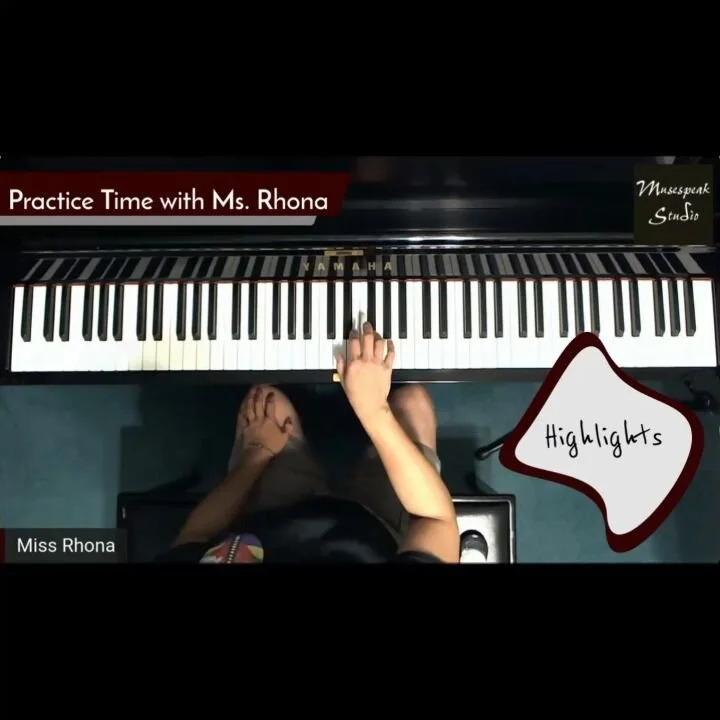
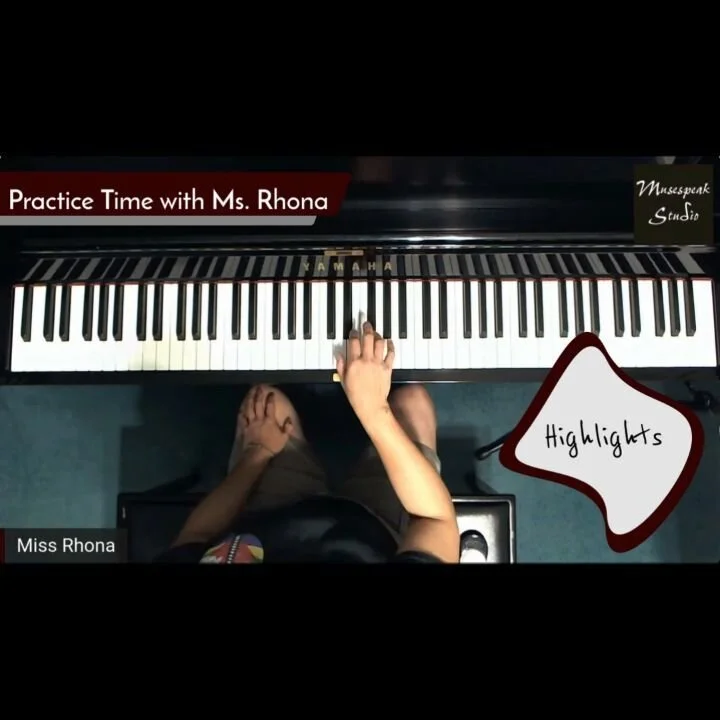
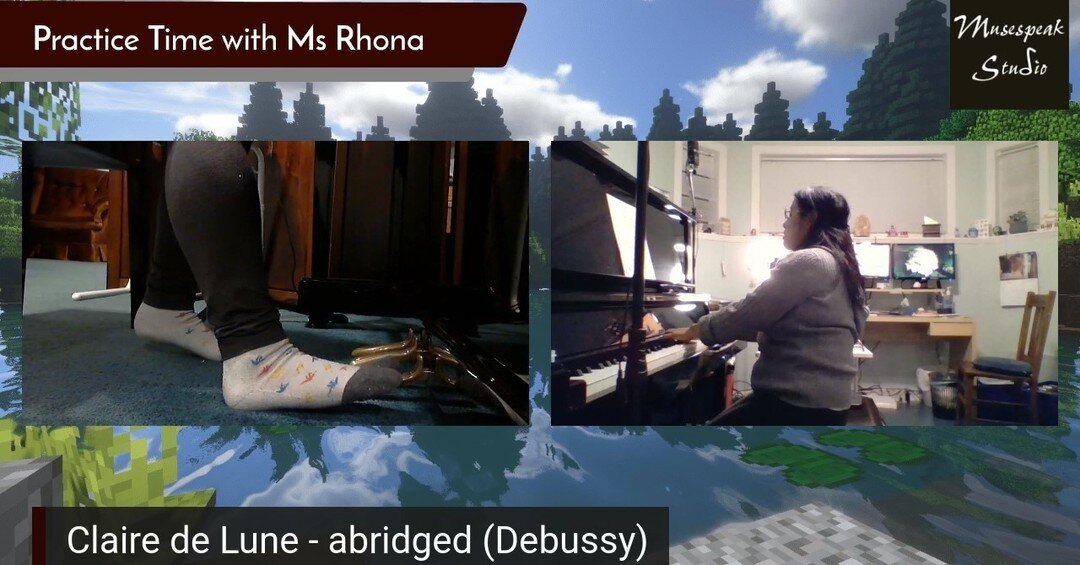
In the fall, my impromptu Practice Clips & Tips Instagram and Facebook series levelled up to the Practice Time with Ms. Rhona weekly series on YouTube:
I picked up a new toy to improve my audio quality. I’m still playing around with both the mixer board and the microphones to find the ideal setup. It’s a work in progress:
Check out my studio tech setup here.
I also decided to commit more time to creste content for my two other channels. There’s The Musical Muse - my musician/freelance writer channel, where I upload performances, unboxing videos and reviews, as well as Budo No Tabi - my budo & Japanese culture related channel, uploading sword care tutorials, unboxing, and fun videos of my exploration of Japanese culture. I have a few more content ideas but that’ll be a surprise.
This is not easy by any stretch of the means. The biggest challenges for me right now are balancing my workload, prioritizing tasks better, and managing my time and energy. It has been a fun adventure, learning how to use Davinci Resolve and exploring different setups, content ideas, and so on.
My students and I held the first piano party of the year in StreamYard and Steam. We used the “Record Only” option in StreamYard for the performances. We kept the Broadcast Room open while we played Skribbl.io and Among Us. Naturally, we muted our mics and turned off our cameras while playing Among Us so as to not give away who was a Crewmate and who was an Impostor.
Afterwards, I shared the video with studio family and friends as an unlisted video. However, I can share these highlights with you:
Next month, we will be performing our annual Christmas recital for the nursing home residents online. It will be live streamed privately to the residents as well as to studio family and friends. My returning students are pros at setting up their mics and cameras now, so I don’t think the sound check period prior to the recital will need to be as long as it was in June. I think Sound Check began one or 1.5 hours before we went live. The newbies will just need a little bit of coaching, but thankfully, most of them attended the piano party, so they got a little taste of what’s to come.
***
Fellow teachers, with stricter gathering restrictions in place once again, what are you doing this year for recitals?
DISCLAIMER: This post contains a referral link to StreamYard. If you get a Basic or Pro subscription, you will get a discount and I’ll get a little referral bonus.

My Studio Tech Setup (2020 edition)
My journey with studio technology really took off in 2012 with Eric Whitacre’s Virtual Choir 3.0: Water Night. Virtual Choir opened the doors to experimenting with multiple cameras, audio and video editing projects, and live streaming.
When we switched to online music lessons due to the pandemic, I simply dusted off some of the equipment and away we went. Since then, I have upgraded and added a few new items to my studio tech setup. Read on:
My journey with studio technology really took off in 2012 with Eric Whitacre’s Virtual Choir 3.0: Water Night. Virtual Choir opened the doors to experimenting with multiple cameras, audio and video editing projects, and live streaming.
When we switched to online music lessons due to the pandemic, I simply dusted off some of the equipment and away we went. Since then, I have upgraded and added a few new items to my studio tech setup. Read on:
Platform for Online Lessons
Initially, I offered online lessons via Facebook Messenger, Skype, and Zoom - whatever my students preferred. As time went on, we stuck with Zoom, as it seemed the most stable of the three. However, the sound quality drove me nuts.
Then, I discovered StreamYard. StreamYard is a web-based video streaming service. Basically, my adventures with the Music Ministry Hour live streams prepared me to organize live streamed recitals for my students.
The sound quality is just fabulous. Hear for yourself:
We switched to StreamYard for lessons in May. However, StreamYard did have its limitations as a piano lesson platform. In the end, I decided to go back to Zoom in the fall for online music lessons, utilizing the full screen views, Share Screen tools and Breakout Rooms. I continue to use StreamYard for live streaming recitals, pre-recording studio performances, and content creation (but that’s a post for another day).
Tech Setup for Online & In Person Lessons

First Week of Lessons. Photo by R-M Arca.
I use my studio Asus desktop exclusively for teaching. It is connected to the Internet via ethernet cable. One computer monitor is the dedicated Zoom monitor, while the second screen is for everything else - typing up homework, sharing videos, etc. I toggle between three webcams as needed:
Pedal Cam: Logitech C270 HD Webcam ($39.99 CAD & up)
Profile Cam: Logitech C910 HD Pro Webcam (discontinued by manufacturer)
Overhead Cam: Logitech C920 HD Pro Webcam ($140 CAD & up)
The Overhead Cam is attached to a microphone stand ($25.99 CAD & up on Amazon.ca and Long & McQuade) via a camera Digital Recorder Adapter ($15.99 CAD & up on Amazon.ca and Long & McQuade). The Pedal Cam is attached to an old mini-tripod with gaffer tape, while the Profile Cam sits atop the dedicated Zoom monitor.
I initially used my Zoom H2N Handy Recorder ($229.99 CAD, available on Amazon.ca and Long & McQuade) as an input mic and Sennheiser HD 280 Pro Headphones ($129.00 CAD & up on Amazon.ca and Long & McQuade). Now that I’m dedicating more time to content creation and the Practice Time with Ms. Rhona live streams, I’ve reallocated equipment and now use my Turtle Beach Gaming P11 Headset ($39.99 CAD & up) for online teaching.
Over the summer, I picked up a 10” Ring Light with Tripod and Smartphone Holder ($39.99 CAD & up), which has been working quite nicely.
For in-person lessons, I utilize the Overhead Camera via StreamYard to check my students’ fingering. The dedicated Zoom monitor is used to display the Overhead Camera view, while the second monitor is used to type up assignments.
Tech Setup for Live streaming and Content Creation
Initially, I used my desktop, Zoom H2N Handy Recorder and Sennheiser headphones for live streaming and content creation. It worked quite well, but soon, I added my Asus Tuf Gaming laptop to the mix so that I could offer two simultaneous camera views during live streams and videos, as well as toggle between four cameras. The laptop also connects to the Internet via Ethernet cable for a more stable connection.
At the beginning of the school year, I picked up a Mackie ProFX6v3 Mixer Board for $214.99 CAD from Long & McQuade. It’s also available on Amazon.ca. That way, I could attach my old Shure Wireless Headset Mic ($50.99 CAD & up from Amazon.ca and Long & McQuade) and AT4040 Condenser Microphone ($449.00 CAD & up at Amazon.ca and Long & McQuade). More importantly, I could monitor my sound via my Sennheisers in real time as StreamYard lacks that capability.

My live streaming setup one week.
Depending upon the video project, I utilize digital cameras in addition to the webcams, along with my Rode VideoMic GO Lightweight On-Camera Microphone - VMGO ($139.99 CAD on Best Buy and Amazon). I plan to add the H2N Zoom Recorder to the mobile gear kit.
Check out my Studio Tech vlog below for a tour:
What are your favourite studio tech tools? Let me know in the Comments.
***
DISCLAIMER: This post contains Amazon affiliate and StreamYard referral links. If you click on a product link and make a purchase the Studio will receive a small commission. Thank you for supporting the Studio’s YouTube channel and blog
Social Media Links
archives
- #YYCArts 32
- #YYCEvents 39
- Collaborative Music 25
- Community 11
- Composing & Arranging 6
- Entertainment 139
- Entrepreneurship 53
- Freebies 3
- Gardening 1
- Geeking Out 65
- Health & Wellness 120
- Improvisation 25
- Interviews 28
- Learning Music 188
- Martial Arts 13
- Memorization 7
- Music 230
- Music Careers 9
- Music Education 196
- Music Examinations 7
- Music Exploration 55
- Music Gigs 14
- Music Lessons 6
- Music Performance 32
- Music Theory 13
- Musical Instruments 12
- Musician Health 19
- Pets 57
- Piano Technique 12
- Practicing Music 120
- Productivity 20
- Professional Development 11
- Recommendations & Reviews 93
- Recreation 71
- Social Media 6
- Spirituality 10
- Studio Management 33
- Studio Technology 50
- Teaching Music 146
FOLLOW THE STUDIO on Instagram

Affiliate Links
As a Sheetmusicplus and CD Japan affiliate, I earn from qualifying purchases. The earnings help fund the Studio’s blog and YouTube channels. Your support is greatly appreciated.


FOLLOW Budo no Tabi on Instagram